

What Will You Build?
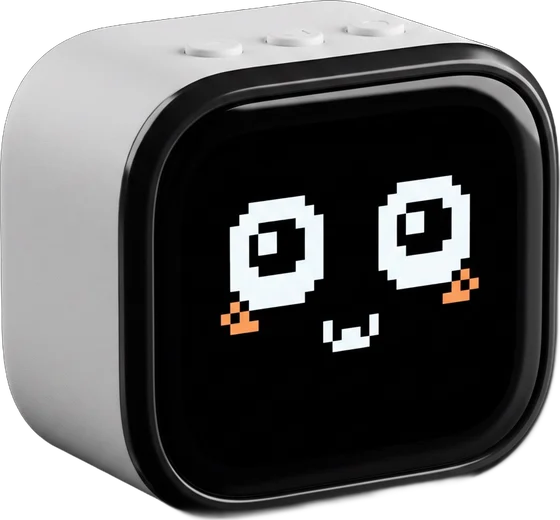
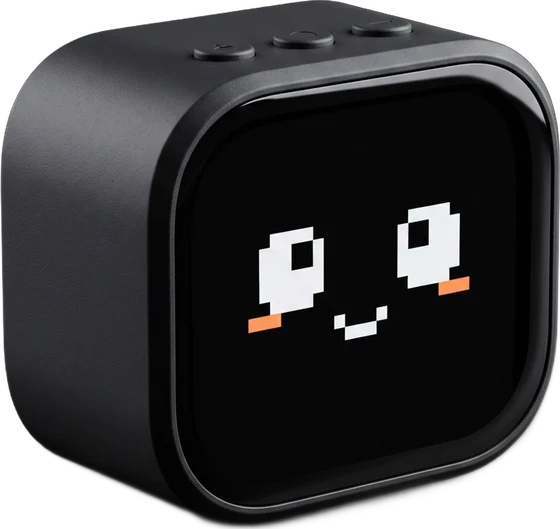
A pet, a mic, a remote, a game. It becomes whatever you load onto it.

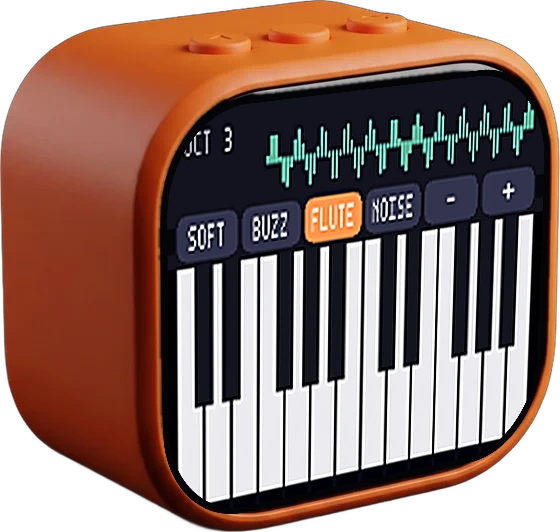
 WisprKey ProPress a button and talk. Your words type themselves on your Mac.
 Star PatrolAn arcade shooter in your palm.
Install in One Click.
Or Ask AI to Make One.
Two ways to get an app,
one tiny computer on your desk.
Chat Coding
Describe what you want in plain words. An AI coding agent writes the app, builds it and puts it on your cgotchi.
Apps are C++ compiled to WebAssembly. Open source.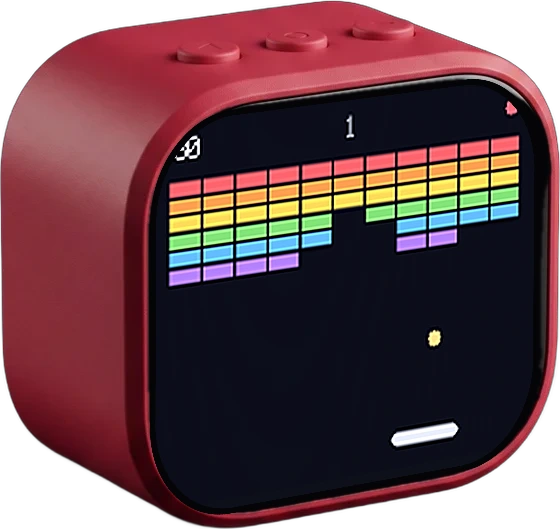
One-Click Install
No code needed. Plug in with USB-C, open the App Store in Chrome and press Install. It's on your desk.
Small Enough for Your Desk
Packed Like a Phone
Touchscreen, voice, sound and motion,
all in one 48 mm device.
Powered by ESP32-S3
- Dual-core · up to 240 MHz
- Wi-Fi | Bluetooth LE 5
- Motion sensor
- 600 mAh battery · 3–4 hours · USB-C
Display & Sound
- 2.01″ 296 × 240 colour touchscreen
- Two mics | 3 W speaker
- 48 × 41 × 26 mm
An Open Stack
From Top to Bottom
Apps, runtime and firmware are all open source. Read it, change it, ship your own.
Apps
C++ sourceCompiled to .wasmSwap any timeRuntime
Screen & touchSound & micsMotion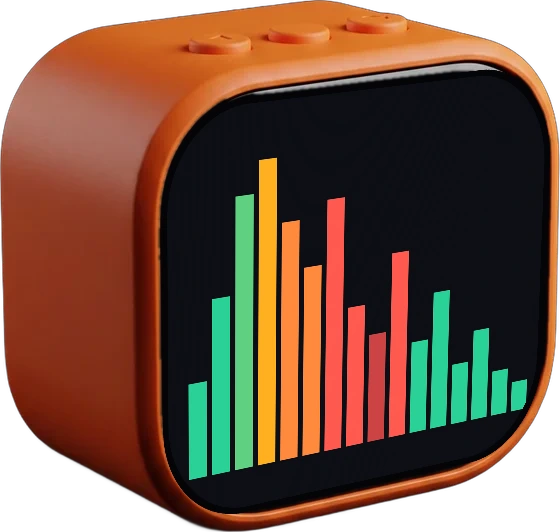
Firmware
ESP-IDFWi-Fi & BluetoothFlash from browser
App Store
PackageShareInstall
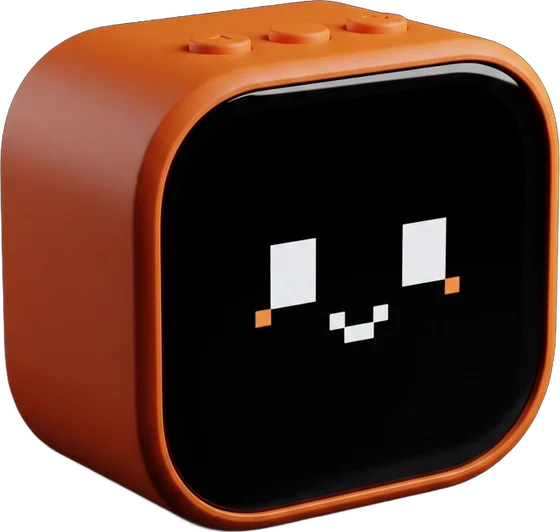
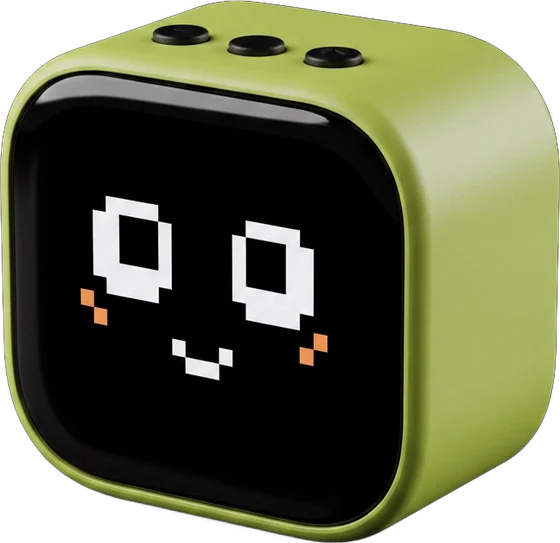
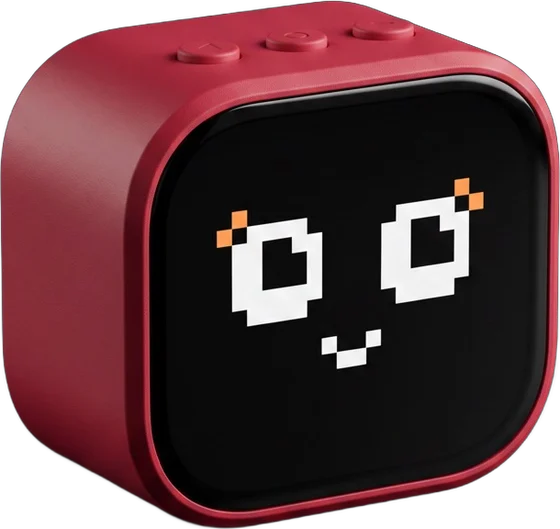
Free. One click each.
Open the App Store What is cgotchi?Watch on Instagram
 cgotchi in actionWatch on Instagram
 Back in stockWatch on Instagram
Make Ideas Run
From the first idea to a pet on your desk in minutes.
Do I need to code?
No. Install apps from the App Store in one click. Coding is there if you want to make your own.
Where can I buy it?
On Amazon or cgotchi.com. ₹3,999 incl. GST, free shipping in India.
Which browser do I need?
Chrome on a laptop. The App Store installs apps over USB.
I'm a developer. Where's the code?
Firmware and apps are open source on GitHub.